
HOW TO DOWNLOAD YOUR DIGITAL PURCHASES
When you purchase any digital audio product from us, you will receive an email straight after your purchase is completed from Gitân Sales with the subject line “Your order is complete”. This might be one track, multiple tracks, or a complete album, depending on your chosen purchase. Here’s an example of such an email –
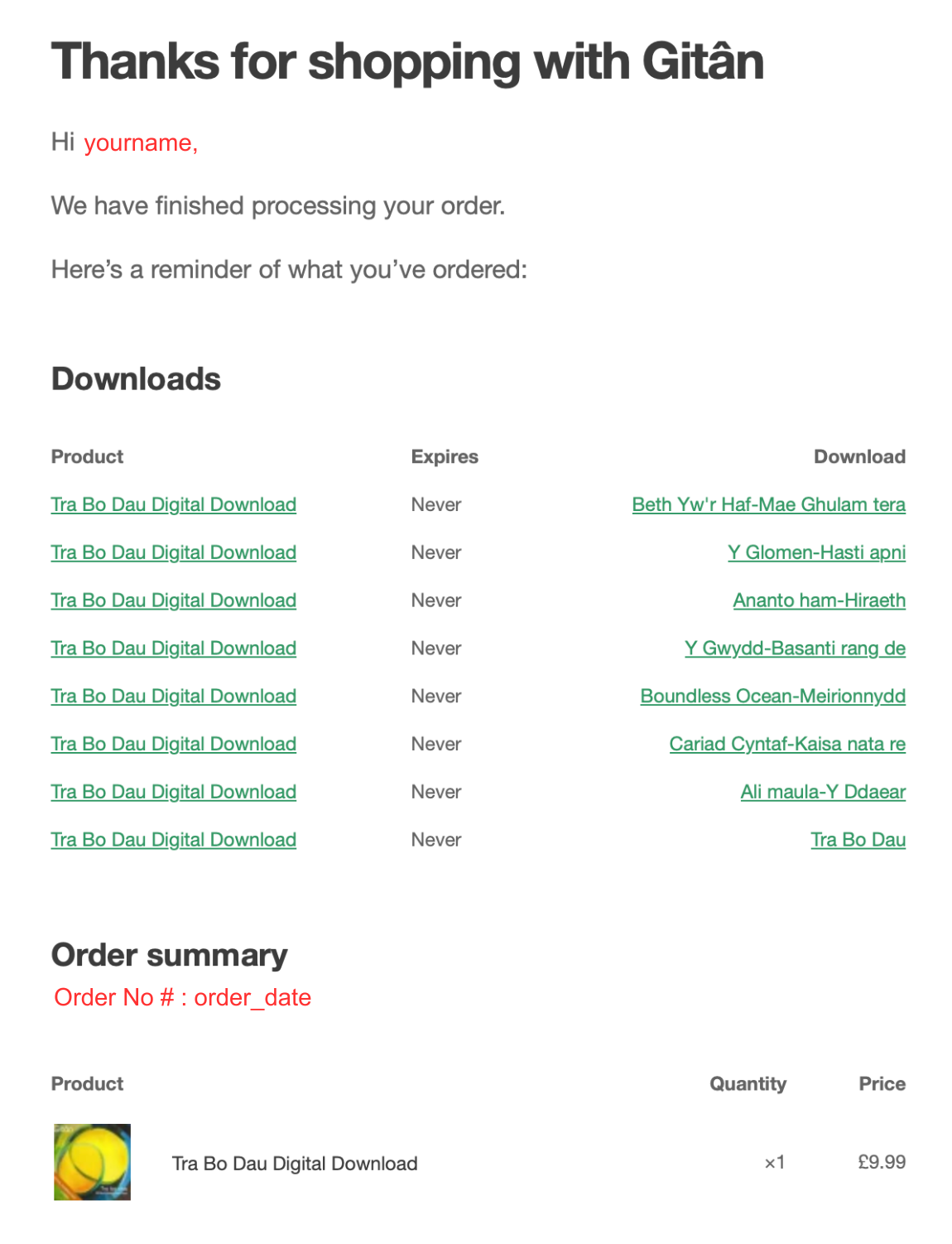
To access your downloads, click on the individual track links in the download column of your email – the highlighted column on the right
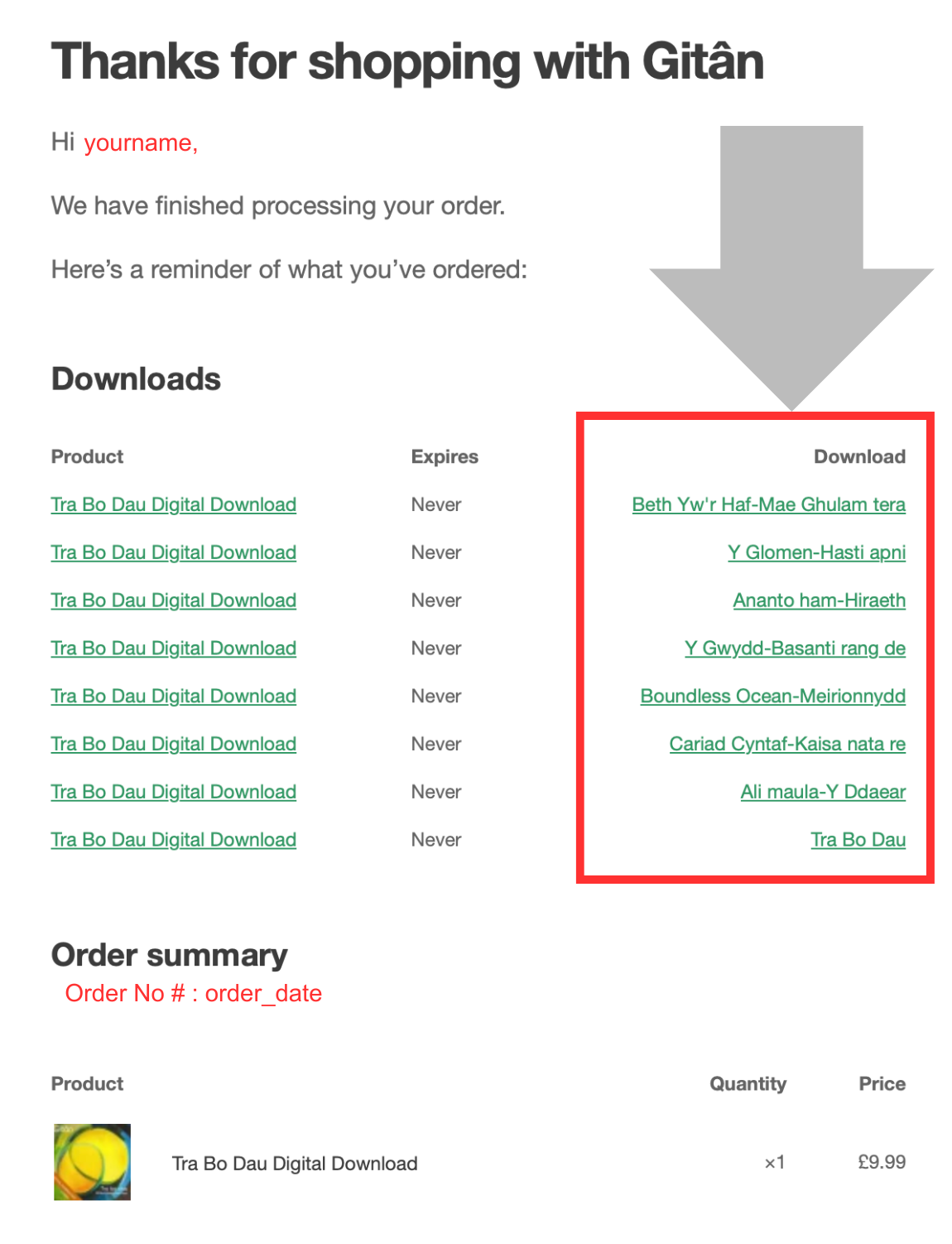
To access your downloads, click on the individual track links in the download column of your email.
When you click on each link, your digital file will be downloaded into your computer’s Download Folder. Once you’ve downloaded your files, you can then import them into your favourite music software. With most current music software or streaming music applications, once you’ve imported your files, they should be accessible in that music software across all of your devices.
If you experience any difficulties downloading your files, please contact us at sales@gitan.co.uk. Diolch! Thanks again for purchasing our music!